In Windows 7, in contrast to Vista, the Telnet client not afterwards installed, but only via the Windows functions activated because it is disabled by default. The Telnet client is necessary when a connection to a Telnet server should be built. Telnet stands for Telecommunication Network and is the name for one that is widely used on the Internet Network protocol. A similar protocol, which is also encrypted, is that Secure Shell Protocol.
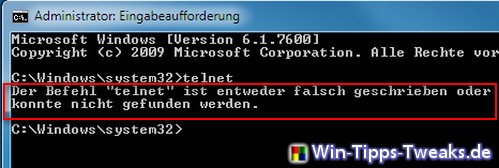
If you try to start the Telnet program via the command prompt , you will receive the following error message :
To activate the Telnet client, first open the Control Panel.

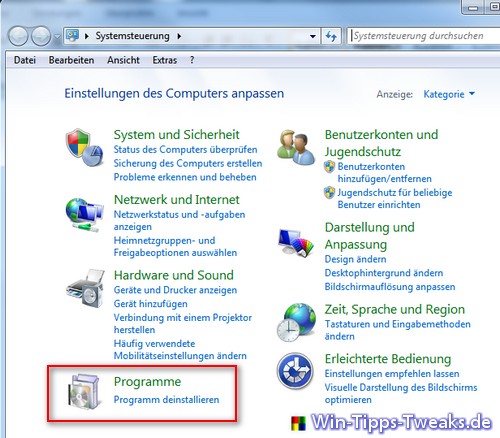
There, select the "Programs" link . In the next window, select the " Turn Windows features on or off" link.

Here, a checkmark is placed next to Telnet client and confirmed with OK .

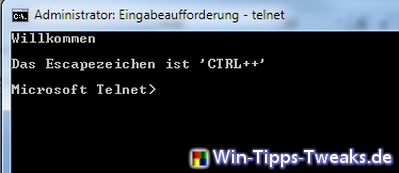
The Telnet client is now activated and can be started via the command prompt.

| Transparency: | This article may contain affiliate links. These will take you directly to the provider. If you make a purchase through one of these links, we will receive a commission at no extra cost to you. These links help us to refinance the operation of win-tipps-tweaks.de. |
This tip comes from www.win-tipps-tweaks.de
© Copyright Michael Hille